Director
Live stage
streams, not files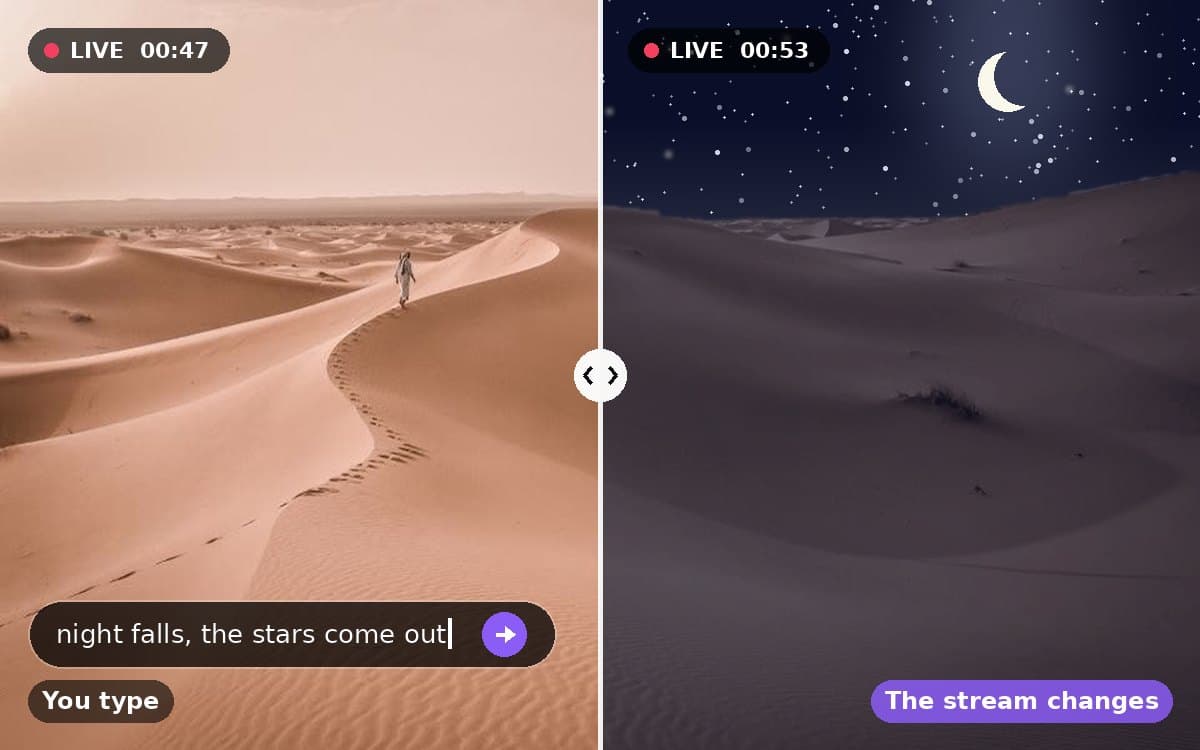
Set a scene and watch it play as a continuous stream; type directions and the action changes while the characters and setting carry on. Record takes to your files as it runs.
- 1Set a sceneA sentence or two: who is there, where, what is happening.
- 2Direct it liveType the next thing; the action changes while the people and place carry on.
- 3Record takesAnything worth keeping lands in your files as the stream runs.
Needs a scene in words · 24 credits per second · one-minute minimum, two-minute ceiling · 16:9, 9:16 or 1:1 at up to 768p
Tools
one clip in, one clip out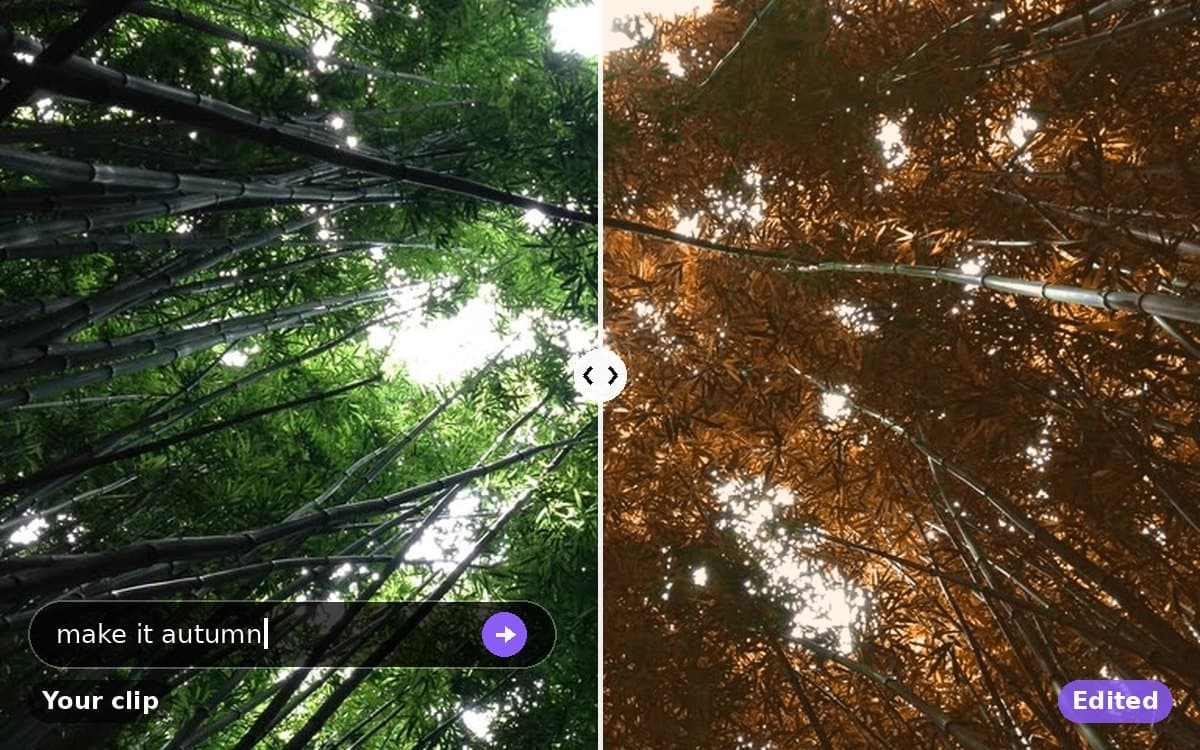
Say what should change — the weather, the clothes, the time of day, the colour of the car — and H3 Max re-films your clip with that change. Everything you do not mention stays as shot.
Needs a video from your files (5–15s) · 24 credits per second at 768p, 48 at 1080p
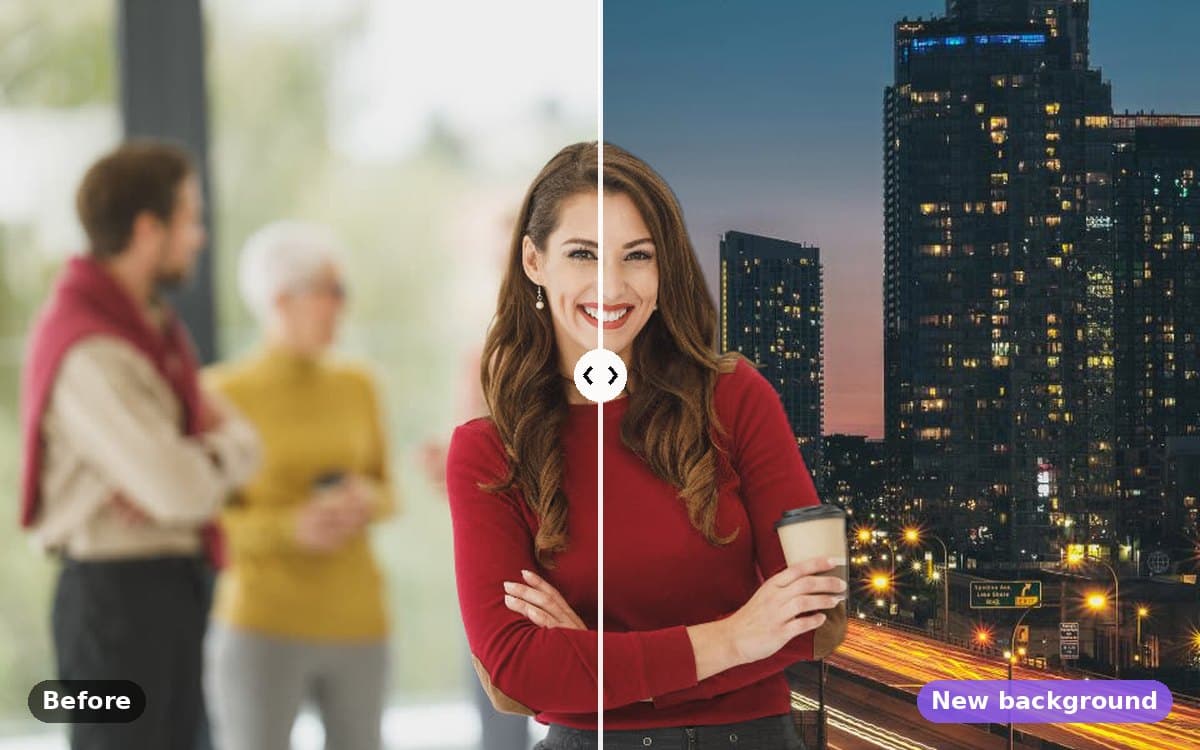
Re-films your clip in a new setting — a photo of yours, or a stock backdrop. Same person, same words, same movement.
Needs a video from your files (5–15s) and a background image · 24 credits per second at 768p, 48 at 1080p
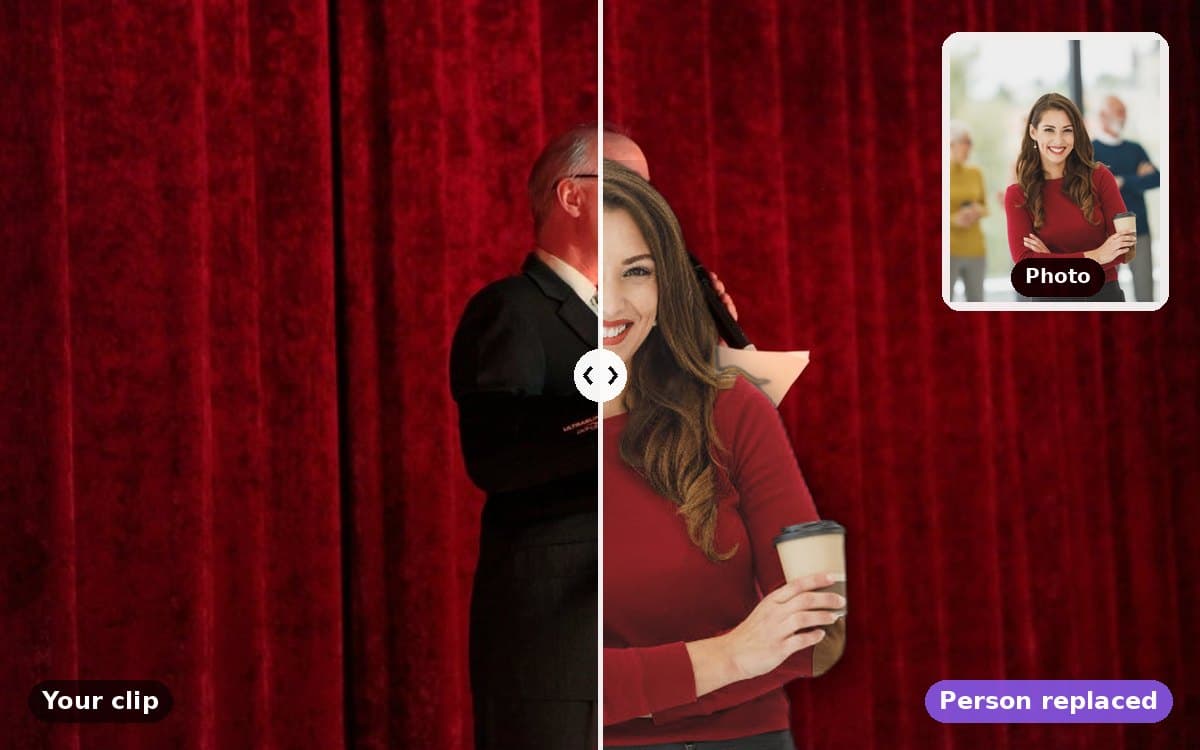
Swaps the person in your clip for the person in a photo. The background, camera and every movement stay exactly as filmed.
Needs a video from your files (up to 30s) and a character photo · 24 credits per second
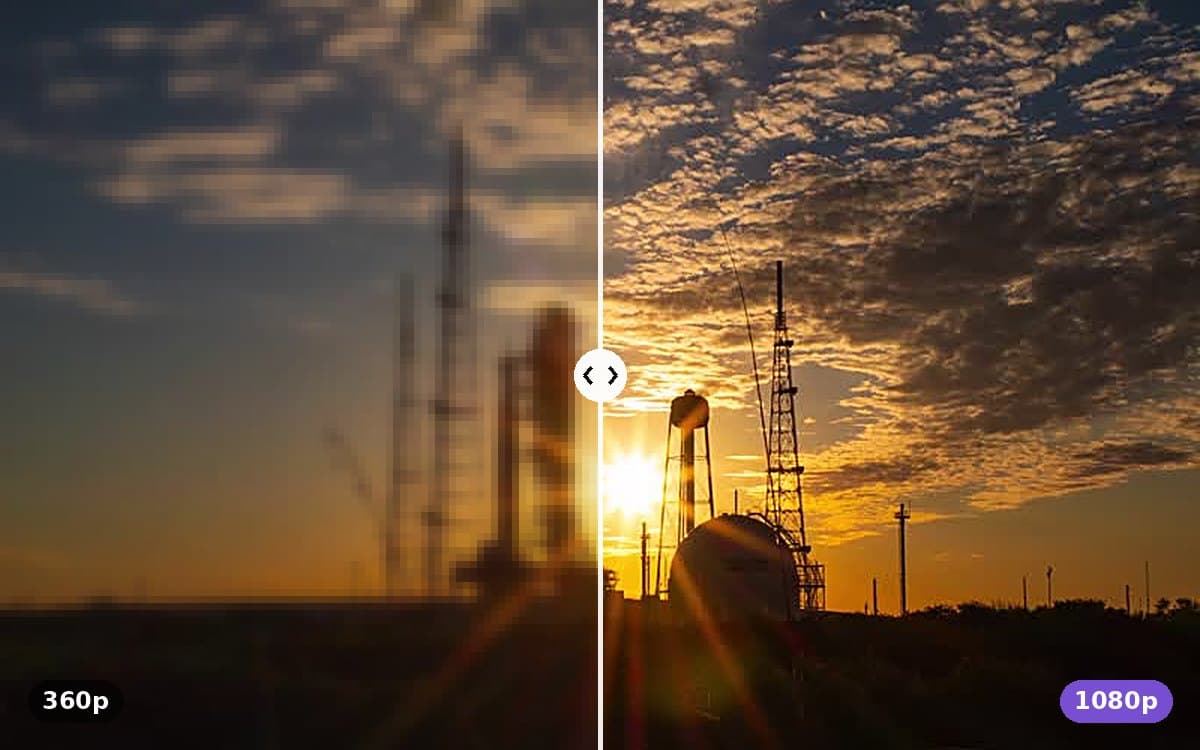
Sharpens a soft or low-resolution clip up to 1080p. Detail is rebuilt, not just stretched.
Needs a video from your files (up to 30s) · 6 credits per second
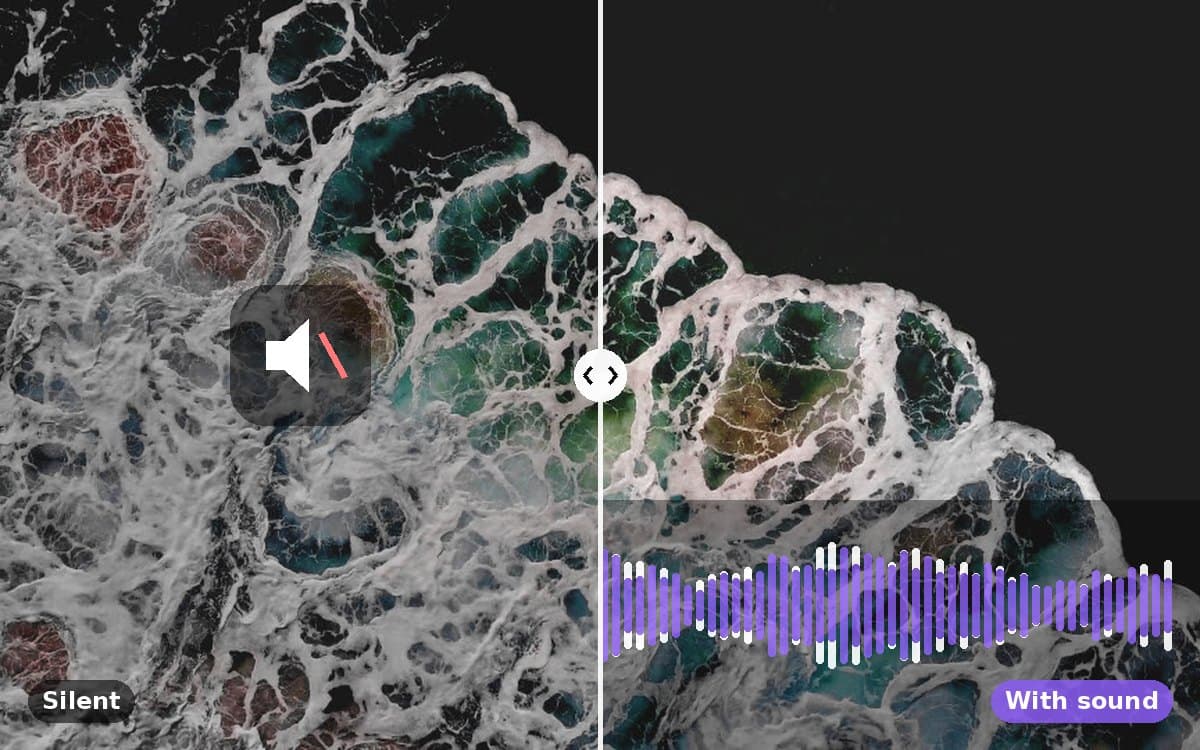
Gives a silent clip a soundtrack that follows what is on screen — footsteps, weather, engines, room tone.
Needs a video from your files (up to 30s) · 1 credits per second
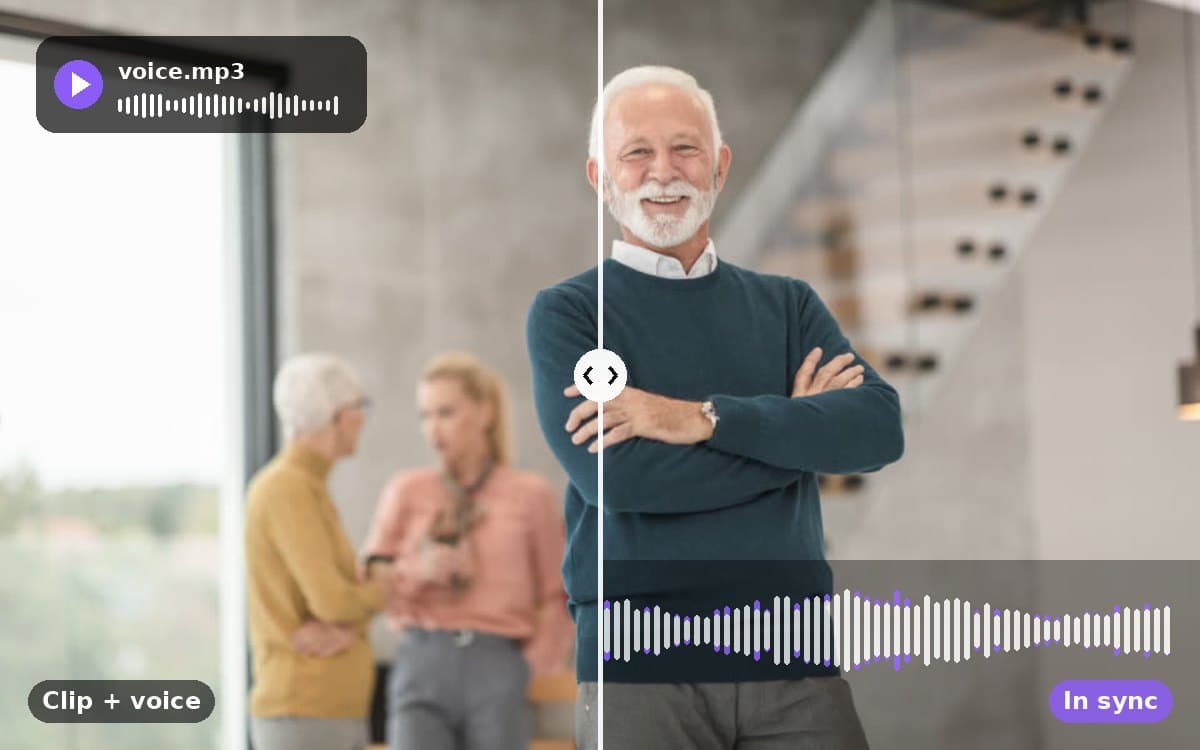
Makes the person in a clip speak a voice track you provide. Mouth, jaw and timing follow the audio; nothing else changes.
Needs a video from your files (up to 30s) and a voice track · 15 credits per second
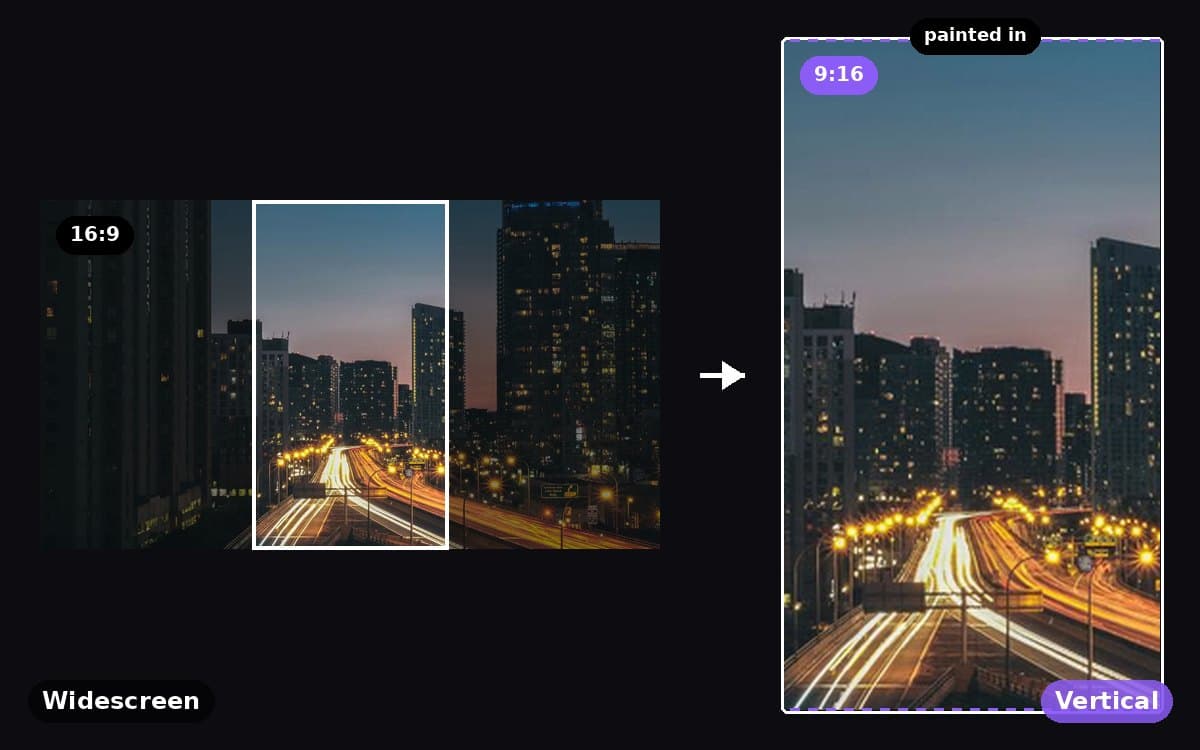
Re-films a widescreen clip as 9:16 for phones: the same person, action and place, with the scene extended above and below.
Needs a video from your files (5–15s) · 24 credits per second at 768p, 48 at 1080p
Workflows
a brief in, a project in the editor outEach starts from a structure · Free to start — shots are priced when you render them in the editor
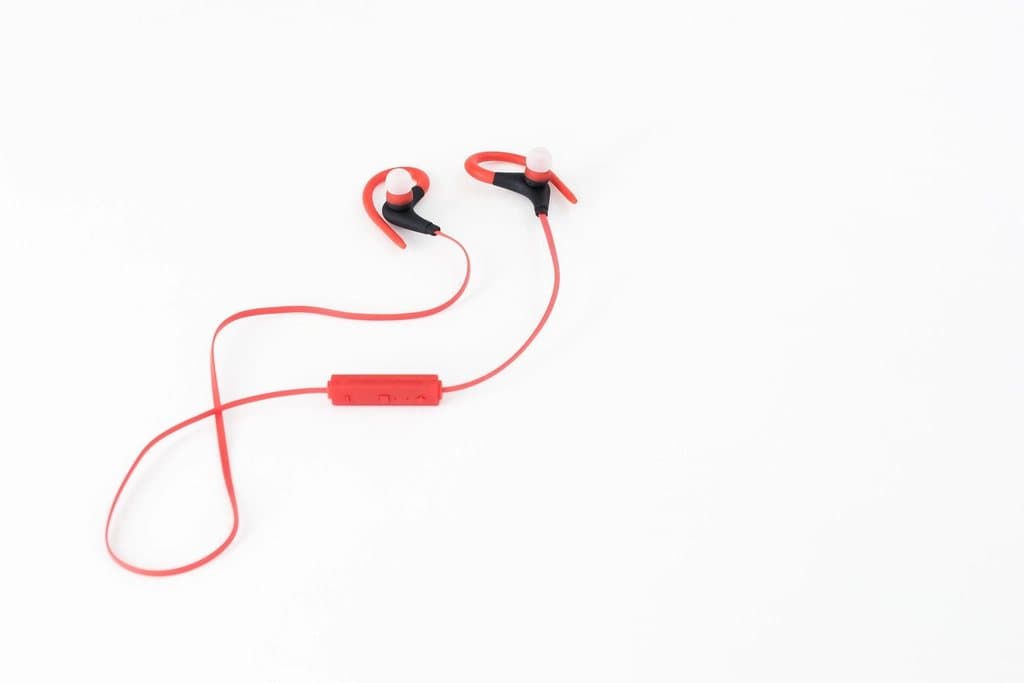
Hook, three benefit beats, price card. Built for paid social.
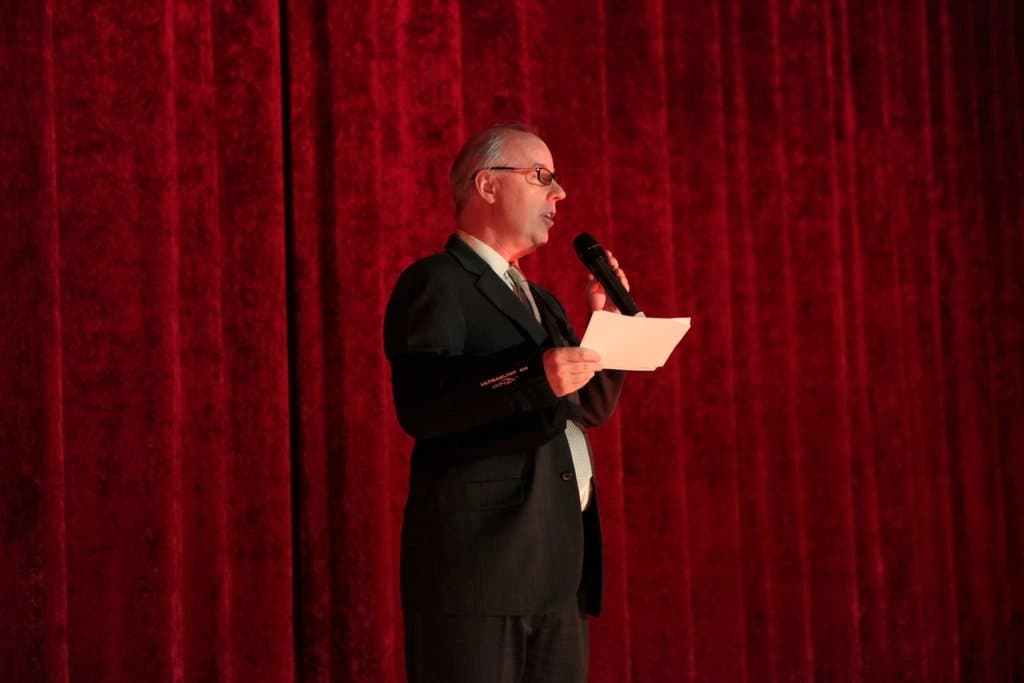
Auto-captioned narration cut against generated b-roll every 4 seconds.

Lower-thirds, kinetic stat cards, and a two-line sign-off.

Beat-synced hard cuts on a 128 BPM bed with location titles.
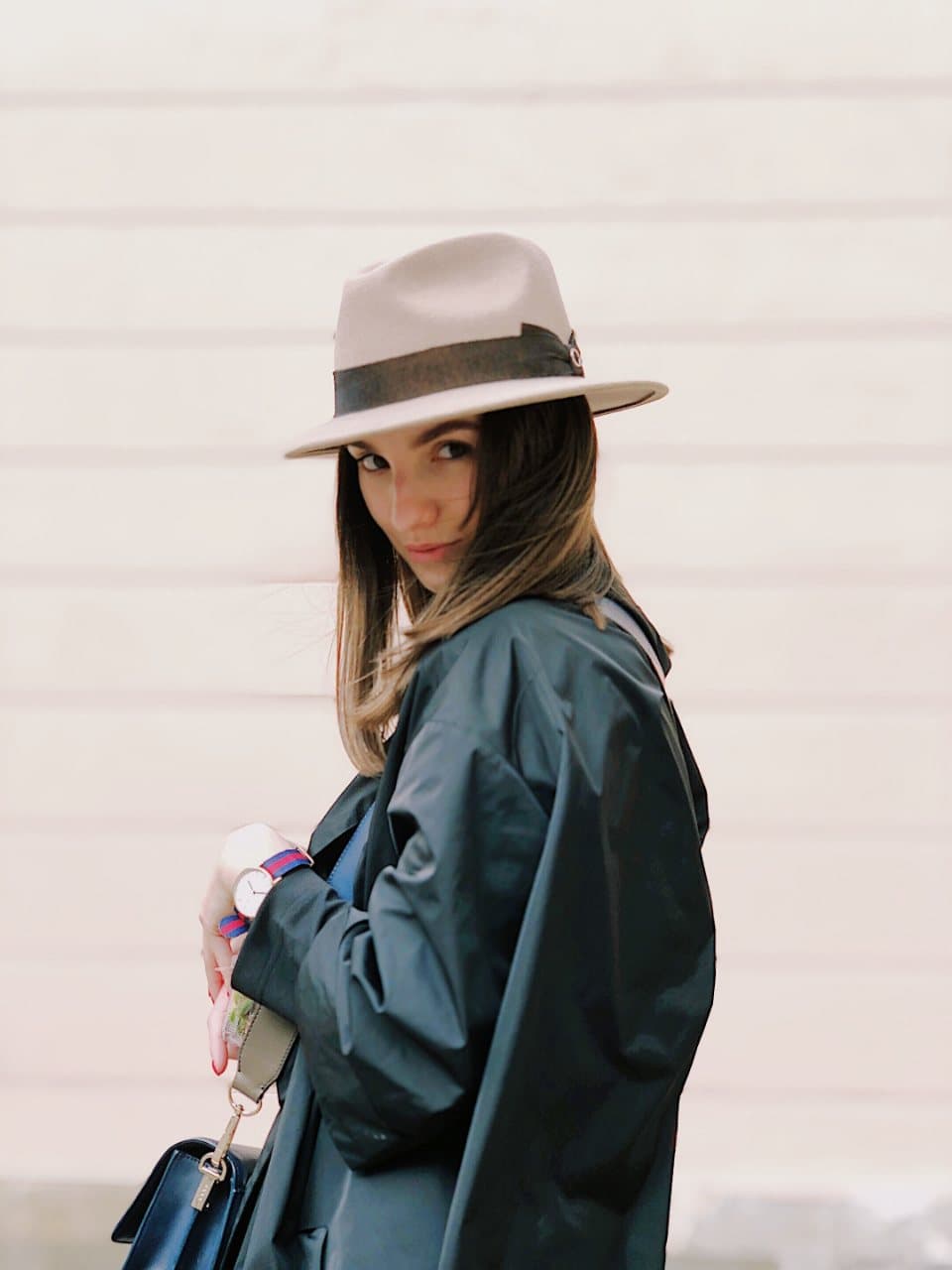
Slow whip transitions, editorial type, monochrome grade.

Top-down steps, ingredient chips, satisfying final reveal.
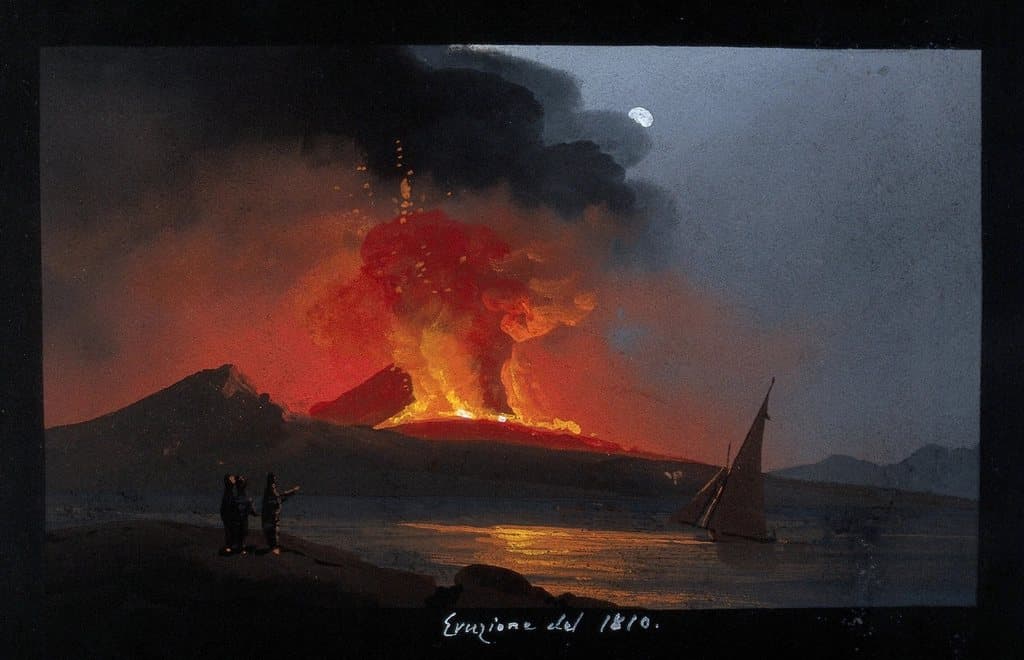
Riser, cut-to-black stings, logo lockup at the end.

Room-by-room glides with spec chips and an agent card.